📱 Send WhatsApp Without Saving Number
Have you ever wanted to send a quick WhatsApp message to someone but didn’t want to save their number in your phonebook? You’re not alone! Our WhatsApp Direct Message Tool lets you chat instantly without adding unnecessary contacts.
💡 Why Use This Tool?
- No need to save temporary numbers.
- Perfect for quick business chats.
- Works on both mobile and desktop.
- Free and easy-to-use.
🛒 Recommended Products for WhatsApp Users
Boost your WhatsApp experience with these top-rated accessories:
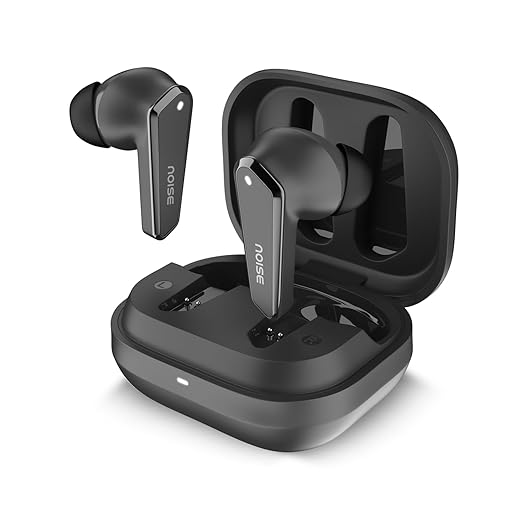
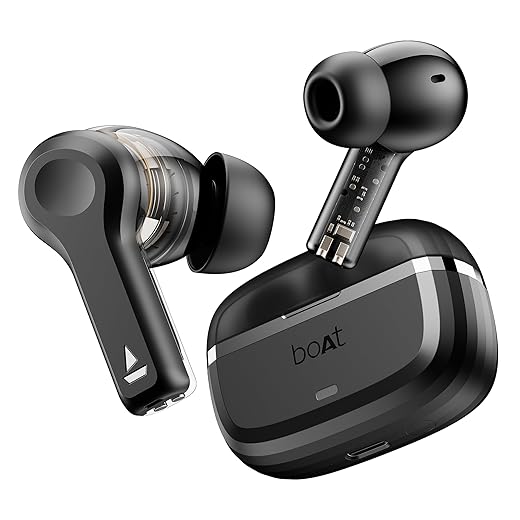
1. Noise Cancelling Bluetooth Earbuds
Perfect for clear WhatsApp calls and long chats without interruptions.
Buy on Amazon
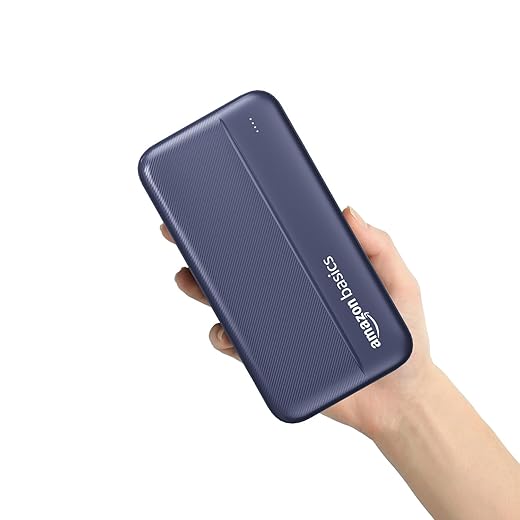
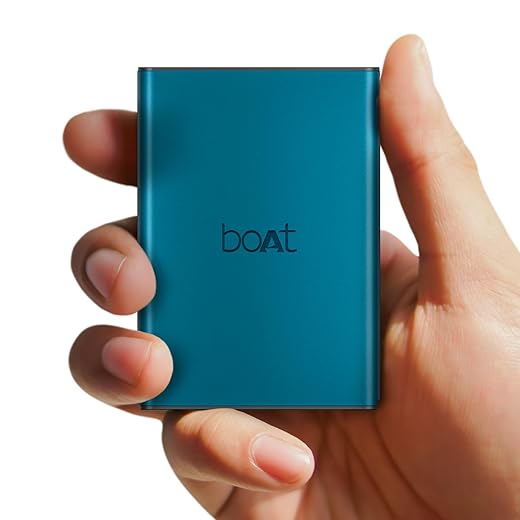
2. Fast Charging Power Bank
Never run out of battery while using WhatsApp. Stay connected on the go!
Buy on Amazon
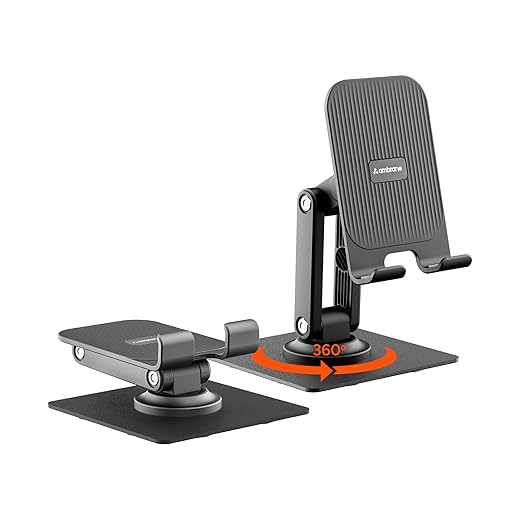
3. Mobile Phone Stand Holder
Hands-free chatting and video calls with a sturdy mobile stand.
Buy on Amazon
Send WhatsApp Messages Without Saving a Number – A Complete Guide
WhatsApp is one of the most widely used messaging apps in the world, making communication fast, secure, and easy. However, one common problem most users face is sending a WhatsApp message to a new number without saving it in contacts.
Imagine you just want to send a quick message to a delivery person, a cab driver, or a customer – but you don’t want to crowd your contact list with numbers you’ll never use again. Thankfully, WhatsApp provides a way to send messages without permanently saving numbers.
In this blog, we’ll explore how it works, the history of WhatsApp, and the benefits of this feature.
A Quick Look at WhatsApp’s History
- Launched in 2009 by Jan Koum and Brian Acton, WhatsApp started as a simple status-updating app.
- By 2010, messaging became its main feature, and its popularity skyrocketed.
- In 2014, Facebook (now Meta) acquired WhatsApp, making it one of the biggest messaging platforms globally.
- Today, WhatsApp has over 2 billion active users, offering features like voice calls, video calls, payments, communities, and business tools.
From just text messaging to advanced business communication, WhatsApp continues to evolve to make life easier.
How to Send WhatsApp Messages Without Saving a Number
Using WhatsApp’s Official Click-to-Chat Link
Open your browser and type:
https://wa.me/<number>
Example: https://wa.me/919876543210
Replace <number> with the full phone number including the country code (without + or 0). Tap Continue to Chat, and WhatsApp will open the chat window directly.
Using Third-Party Tools / Shortcuts
Many websites and apps allow you to enter a number and directly open a WhatsApp chat. These tools are especially useful for businesses dealing with multiple new customers daily.
Business Integrations
WhatsApp Business API allows companies to send direct messages to customers without saving numbers manually.
Pros of Sending WhatsApp Without Saving Numbers
- Saves Contact List from Clutter – No need to fill your phonebook with temporary numbers.
- Faster Communication – Just type the number and send a message instantly.
- Privacy-Friendly – You don’t accidentally sync unwanted numbers with your Google or iCloud account.
- Business Advantage – Businesses can reply to customer queries quickly without storing every contact.
- Temporary Use – Perfect for one-time conversations (delivery, service, cab drivers, technicians, etc.).
Benefits for Personal and Business Use
Personal Users: Quickly message service providers, strangers, or temporary contacts without storing them.
Freelancers: Communicate with clients securely without filling up the contact book.
Businesses: Handle high volumes of queries and customer support without manual contact saving.
Final Thoughts
Sending WhatsApp messages without saving numbers is a small but powerful trick that makes communication faster, cleaner, and more private. Whether you’re an individual who values privacy or a business owner managing hundreds of daily inquiries, this feature is a real time-saver.
As WhatsApp continues to evolve, it’s clear that flexibility and convenience remain at the core of its design – making it the go-to messaging app for billions worldwide.
📋 All Calculators


![OnePlus Nord Buds 3 Pro Truly Wireless Bluetooth in Ear Earbuds with Upto 49Db Active Noise Cancellation,12.4Mm Dynamic Drivers,10Mins for 11Hrs Fast Charging with Upto 44Hrs Music Playback[Black]](https://m.media-amazon.com/images/I/51RaySTbIVL._SS520_.jpg)